
The Gap After Go-Live
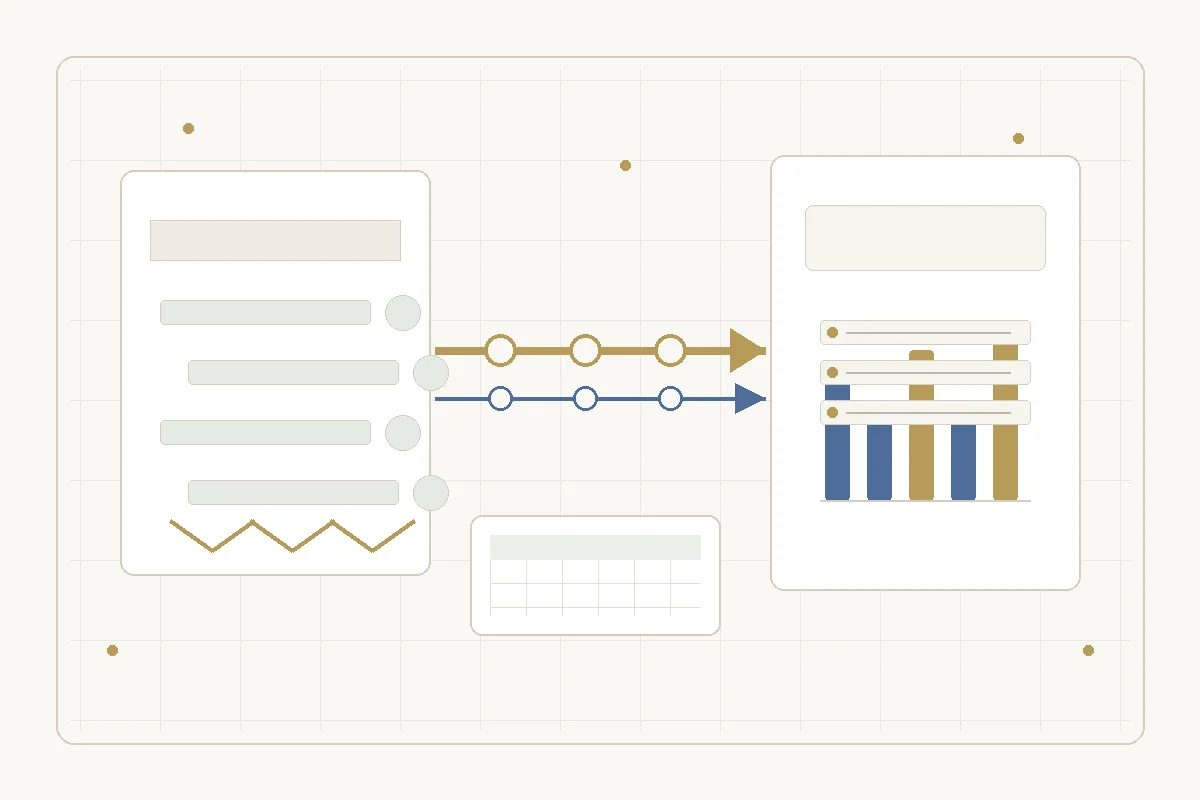
ERP go-live is not the end of the software problem. For many Singapore manufacturing SMEs, it is where the next problem becomes visible.
The ERP is live. Accounting, inventory, purchase orders, and reporting are cleaner than before. Then the team notices the work that did not disappear: production exceptions, finance reconciliation gaps, customer-specific spreadsheets, supplier updates by email, quality records that still need manual consolidation, and reports that still take half a day because the ERP data is not shaped the way the business reviews it.
That does not mean the ERP project failed. It means the company has moved from the implementation problem to the maintenance and integration problem.
After go-live, three parties can own the leftover work. The ERP vendor owns the core product. Your in-house team owns business rules. The third option is an independent post-go-live software partner that builds and maintains the custom workflows, integrations, and reports around the live ERP — this is ongoing engineering, not legacy-license third-party support.
The common pattern: production and finance do not fully meet
One 2026 Singapore manufacturing ERP guide describes a recurring gap in plain terms: production activity happens on the shop floor, while finance does not always see the same reality. Raw materials are issued, work orders are created, finished goods enter the warehouse, and accounting still has to reconcile what happened. Treat this as a market-observed pattern, not as a census statistic, because the source is a vendor guide rather than a government dataset.
That pattern matters because it is not just a reporting inconvenience. If production and finance do not meet cleanly, the company cannot fully trust inventory, margin, costing, or delivery commitments. A quarterly stock count becomes a workaround for system uncertainty. A spreadsheet beside the ERP becomes the unofficial truth. A manager still asks one person for the real number.
The company may have bought the right system and still have this gap. The missing piece is usually not another dashboard. It is the work of mapping operational edge cases, deciding what should become software, connecting the right systems, and maintaining the result.
Go-live creates a maintenance problem
The second pattern is maintenance. Integration work is not finished when the first connector works.
Workato's 2026 Singapore ERP integration guide makes a useful lifecycle distinction: custom API integration has a one-time build cost, but maintenance keeps returning as ERP APIs, connected-system schemas, and compliance requirements change. In the same guide, the platform comparison explicitly separates one-time deployment speed from ongoing maintenance ownership.
This is where many SMEs get exposed. The original vendor may support the core ERP. The implementation partner may support a defined scope. But the business keeps changing: a new supplier portal, a new reporting requirement, a new invoice format, a new machine data source, a new warehouse process, a new overseas entity, or a new customer who wants data in a specific format.
Someone has to own those changes. If nobody owns them, the team goes back to manual work around the system.
Why this is hard for Singapore SMEs
Singapore companies do not only face a software problem. They face a capacity problem.
ManpowerGroup's 2026 Singapore Talent Shortage Survey reported that 71 percent of Singapore employers had difficulty hiring skilled talent. It also reported that AI model and application development, and AI literacy, became the hardest-to-find skills locally in 2026. For a manufacturing SME, the practical question is not only whether the integration can be imagined. It is who will build and maintain it without turning the gap into a permanent hiring problem.
That is why the post-go-live gap is a strong Omni Care topic. It is not framed as "buy AI." It is framed as "you have real operations, a live system, and missing software hands."
Standard ERP partners and post-go-live software partners do different jobs
An ERP vendor or implementation partner is valuable because they know the standard product and standard deployment path. They help the business choose modules, configure workflows, migrate data, train users, and reach go-live.
That work matters. But the remaining problem is often different.
It may involve a legacy spreadsheet that still makes business decisions. It may involve a field-service process that was too specific for the first implementation. It may involve machine data that needs to reach finance or quality reporting. It may involve a custom report the owner uses every Monday. It may involve a supplier or customer workflow that sits outside the ERP.
Those problems are not always large enough for a big system-integration project. They are also not safe as casual one-off scripts, because the company will depend on them after they ship.
The right shape is smaller, clearer, and more accountable: diagnose the gap, decide what should be fixed, build only the useful part, and maintain it.
Where Omni Care fits
Omni Care is not an ERP reseller and should not replace the standard ERP partner. The cleaner position is:
Omni Care is an independent post-go-live software partner: it diagnoses, builds, and maintains the custom workflows, integrations, and reports around a live ERP for Singapore SMEs, working independently of the ERP vendor and without adding in-house headcount.
If the ERP is live but the work around it is still manual, we help you turn the stuck part into working software.
The offer ladder maps cleanly:
- Software Problem Clinic: start with a small diagnostic session. Look at where production, finance, inventory, reporting, customer communication, or supplier coordination still breaks around the ERP. The output is a plain-language diagnosis and a short fix list.
- Buildable Blueprint: turn the diagnosis into a scoped plan. Decide which workflow should be built, which integration is worth doing, which spreadsheet should be retired, and which process should stay manual for now.
- Managed Development: build the missing piece: an internal workflow, a connector, a reporting layer, a small operations tool, or a system bridge between the ERP and the work that still happens outside it.
- Long-term Maintenance: keep it working after the first release. Handle API changes, schema changes, reporting changes, process changes, and the small fixes that decide whether the team keeps using the tool.
- AI Prototype Rescue: use this only when the team has already tried to build an automation, AI workflow, or internal tool around the ERP and it is stuck halfway.
The point is not to replace the ERP. The point is to make the work around the ERP stop leaking back into manual operations.
What to diagnose first
Before approving any build work, map the live ERP, spreadsheets, portals, machine data, reporting packs, and manual handoffs. Identify the exact point where work leaves the system and returns to a person.
Then separate software problems from process problems. Rank the gaps by business risk: reconciliation, delivery, cash collection, customer commitment, compliance, or owner time. The first fix might be an integration, workflow, report, automation, or operating rule.
Build only when the gap affects money, delivery, compliance, customer commitments, or recurring management time. Avoid replacing a spreadsheet until the business rule inside it is understood. Prefer one narrow workflow that the team will actually use over a broad system nobody owns. Define the maintenance owner before shipping the first version.
A better buyer question
The weak question is: "Did we implement ERP?"
The better question is: "After go-live, which part of the business still depends on a person copying, checking, reconciling, or reformatting data by hand?"
That question shows the real opportunity. If the answer is "nothing important," the team may not need Omni Care. If the answer is "production and finance still do not match," "customer-specific reporting is still manual," "the warehouse still uses side spreadsheets," "the integration breaks whenever something changes," or "only one person knows how the workflow really works," then the go-live was not the end.
It was the moment the next software problem became visible.
For English-language rescue follow-up, ask the operator to complete the AI adoption assessment first. It captures the stuck workflow before anyone scopes a paid assessment or a build.
Sources checked for this article
- Freemansland Creatives: ERP for Manufacturing SMEs in Singapore — used as a vendor-observed problem pattern, not as a market statistic.
- Workato: ERP Integration Singapore 2026 Guide — used for the integration-maintenance mechanism and lifecycle framing.
- ManpowerGroup Singapore: 2026 Global Talent Shortage Survey coverage — used for Singapore skilled-talent and AI-skills hiring context.
Frequently Asked Questions
Why does ERP go-live not remove all manual work?
ERP implementation usually focuses on the standard system scope: modules, configuration, data migration, training, and go-live. Many SMEs still have company-specific workflows, reporting needs, customer formats, supplier processes, or production-floor edge cases that sit outside the first implementation.
Is this an ERP implementation problem?
Not necessarily. A live ERP can improve visibility and control while still leaving non-standard work outside the system. The useful question is not whether the ERP project did poor work. The useful question is which important workflow still needs manual copying, checking, reconciliation, or reformatting.
Who should own post-go-live integrations?
The owner depends on scope. ERP vendors usually own the core product. Implementation partners own the agreed deployment scope. Internal teams own business rules. A post-go-live software partner can own the missing bridge: custom workflows, integrations, reporting, and maintenance around the ERP.
Should a manufacturing SME build custom software after ERP?
Only for the work that matters enough. The first step should be diagnosis, not build. If the gap affects inventory trust, costing, order delivery, cash collection, customer reporting, or owner time, it may justify a small build. If the gap is low-volume or low-risk, leave it manual.
What should be checked before building anything?
Check the current ERP scope, the manual workaround, who uses it, how often it happens, what goes wrong, what the business impact is, and who will maintain the workflow after release. If those answers are unclear, the next step is a Software Problem Clinic or Buildable Blueprint, not development.
Who maintains ERP customisations after implementation for a Singapore SME?
Three owners are possible. The ERP vendor maintains the standard product; the implementation partner covers the agreed deployment scope; the in-house team owns business rules. Custom workflows, integrations, and reports built around the ERP need a maintenance owner too — often an independent post-go-live software partner, working separately from the original ERP licence.